Login
Once your account is created, logging in is quick and straightforward
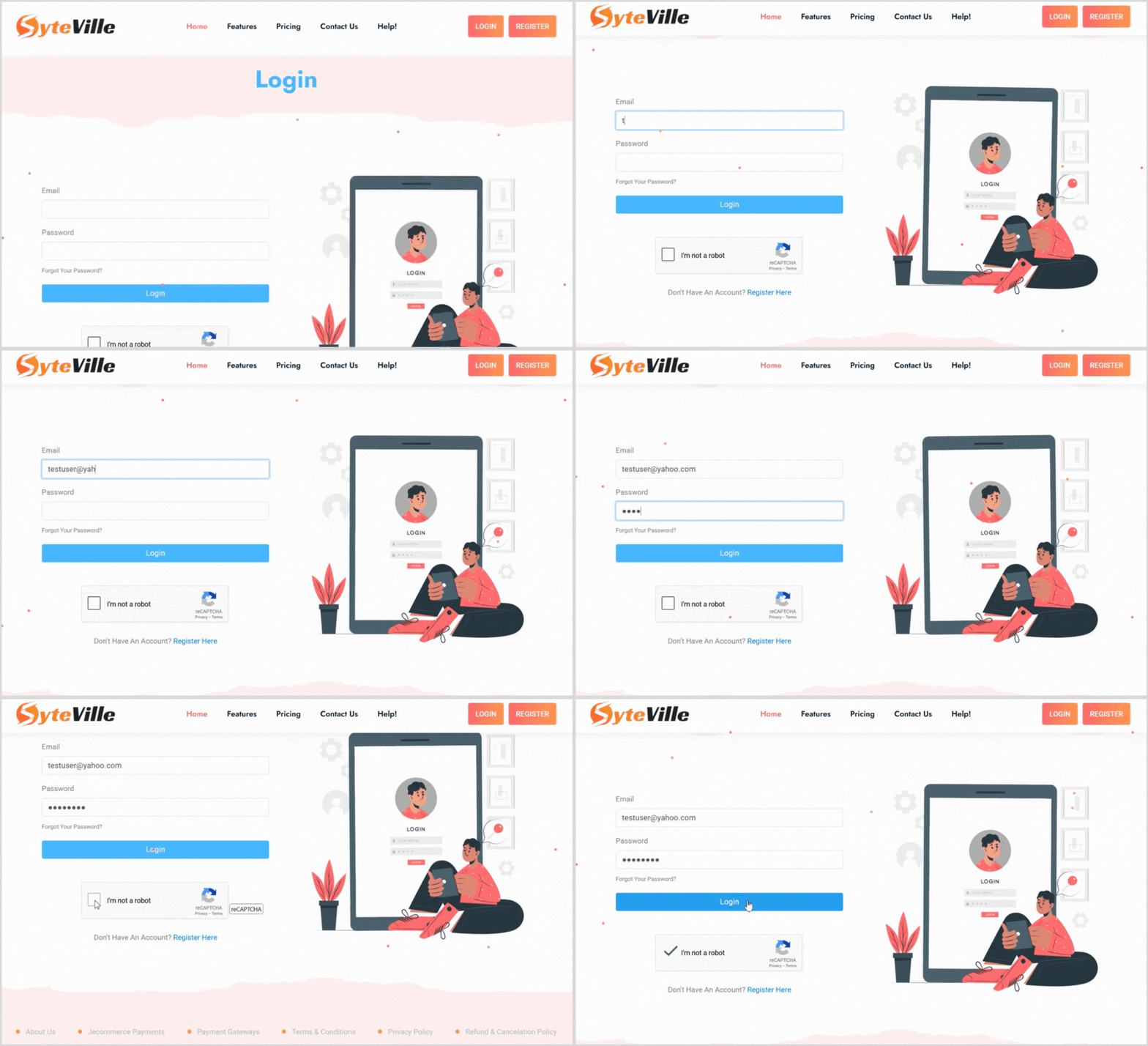
Enter Your Credentials: On the login page, input the email address and password you used during registration.
Complete the reCAPTCHA: Check the reCAPTCHA box to verify you’re not a bot.
Log In: Click the login button to access your Syteville account. You’ll be taken to your dashboard, where you can start setting up your website.
If you forget your password, don’t worry! On the login page, click the "Forgot Password" link. Follow the prompts to reset your password via email, and you’ll be back in your account in no time.
Get Started with SyteVille
Once logged in, you’re ready to explore SyteVille’s powerful tools to build and customize your website. Whether you’re creating an online store, a charity donation page, or a vacation rental listing, Syteville makes it simple and intuitive to build your dream website!